

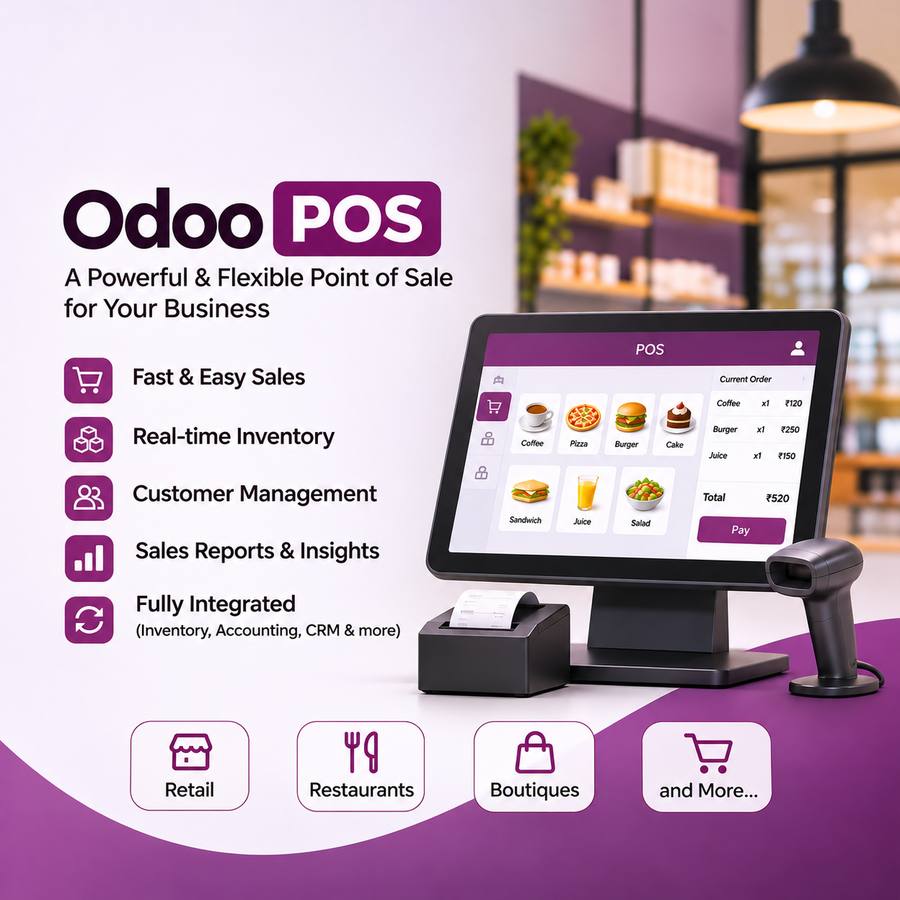
Most restaurants start with a billing machine and a notebook. It works until the business grows: orders get missed, stock runs out without warning, and month-end tax reports take days. Odoo POS solves these problems in a single system that connects billing, kitchen, inventory and accounting. This guide covers how an Odoo restaurant POS setup works from start to finish.
Why restaurants move to Odoo POS
A restaurant has many moving parts, and each one usually lives in a different place. Odoo brings them together:
- Billing and table management on tablets or a counter PC.
- Orders sent straight to the kitchen screen or printer.
- Ingredient-level inventory that reduces automatically with each sale.
- Tax-compliant invoices generated with the correct tax split.
- Daily sales, item-wise and staff-wise reports without manual work.
Key features that matter on the floor
Table and floor plan: Create your dining layout, assign orders to tables, and transfer or merge bills when guests move.
Kitchen display and printers: Orders reach the kitchen as soon as the waiter confirms them, so there is no shouting across the room or lost slips.
Discounts and combos: Set happy-hour pricing, combo meals and loyalty offers once, and the system applies them correctly every time.
Split bills: Guests can split a bill by item or by amount in a few taps.
Works offline: If the internet drops, billing continues and syncs when the connection returns.
Odoo restaurant POS setup: step by step
A typical restaurant implementation follows these steps:
- Menu and category setup: items, variants, prices and taxes.
- Floor plan and table configuration.
- Payment methods and local tax configuration.
- Kitchen and receipt printer setup.
- Inventory and recipe (bill of materials) mapping.
- Staff roles, access rights and training.
- Test billing for a few days before going live.
- The timeline depends on menu size and the number of outlets, but a single-outlet restaurant can usually be ready within a couple of weeks.
Odoo POS printer setup
Receipt printers and kitchen printers are the backbone of a busy restaurant. Each product category can be linked to a different printer, so food goes to the kitchen and drinks go to the bar from a single order. For connection options, IP settings and fixes for common problems, read our detailed guide on how to set up receipt and kitchen printers in Odoo POS.
Odoo POS payment methods
Odoo POS lets you accept several payment methods in the same bill: cash, cards, digital wallets and split payments. Each method is configured once in the POS settings, and every payment is automatically recorded in accounting, so closing the day takes minutes instead of hours.
Tax and compliance
Billing errors with taxes are one of the biggest headaches for restaurants. Odoo lets you configure your local tax rules once (GST, VAT or sales tax), print compliant invoices, and pull tax reports directly from the accounting module, which makes filing far simpler for your accountant.
Controlling food cost with inventory
When each dish is linked to its ingredients, every sale updates your stock. You see which items sell the most, where wastage is happening, and when to reorder, which helps keep food cost under control.
Is Odoo POS right for you?
Odoo suits restaurants, cafes, hotels and multi-outlet food businesses that want billing, stock and accounts in one place instead of separate tools. If you are tired of reconciling three different systems every month, it is worth a closer look.
Talk to us
Neemkaroli Consulting implements Odoo for restaurants and other businesses, including POS configuration, tax setup, printer setup and staff training. Contact us for a free consultation and we will walk you through a demo built around your menu and workflow.